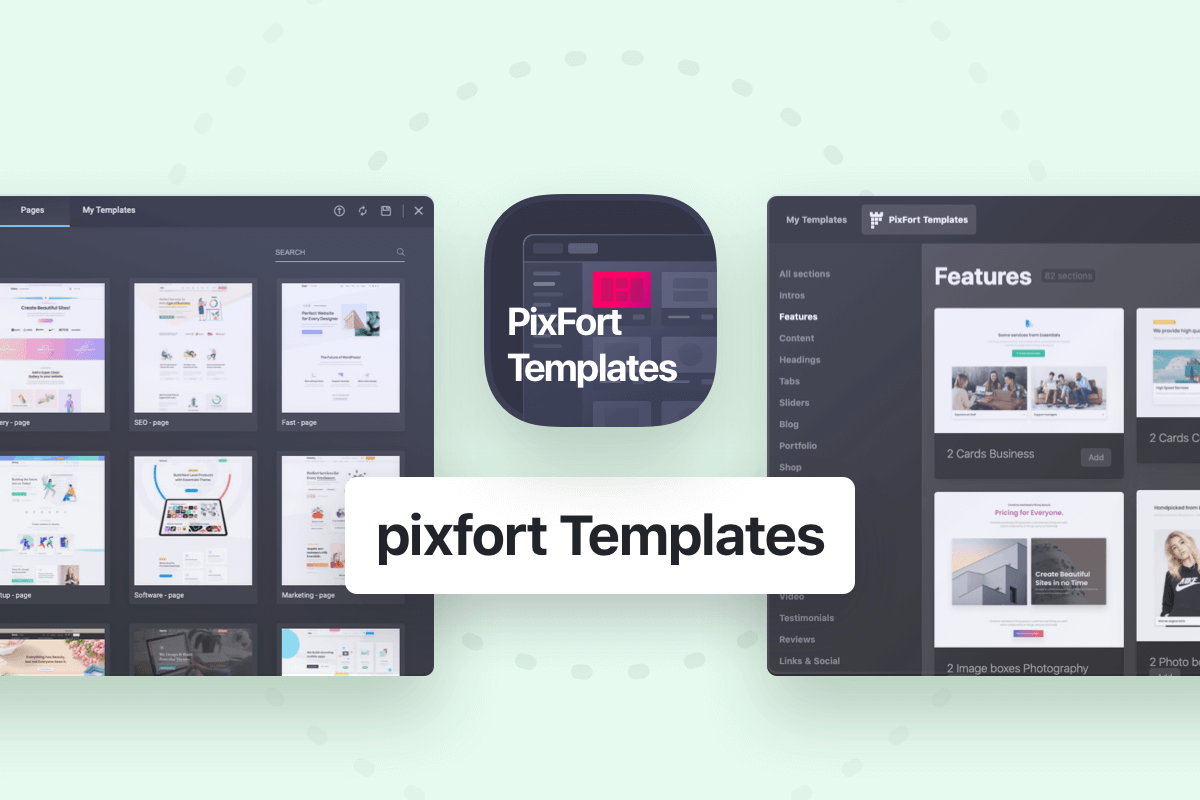

Essentials WordPress theme includes “pixfort Templates” which is a large collection of the available templates in the demos and it’s available for both WPBakery and Elementor page builder, pixfort Templates is very easy to use and you can add any template in 1-click.
You can find pixfort Templates depending on the page builder you’re using (WPBakery or Elementor) as following:

Using WPBakery
In WPBakery Frontend Editor: you can find pixfort Templates in the top bar as following:
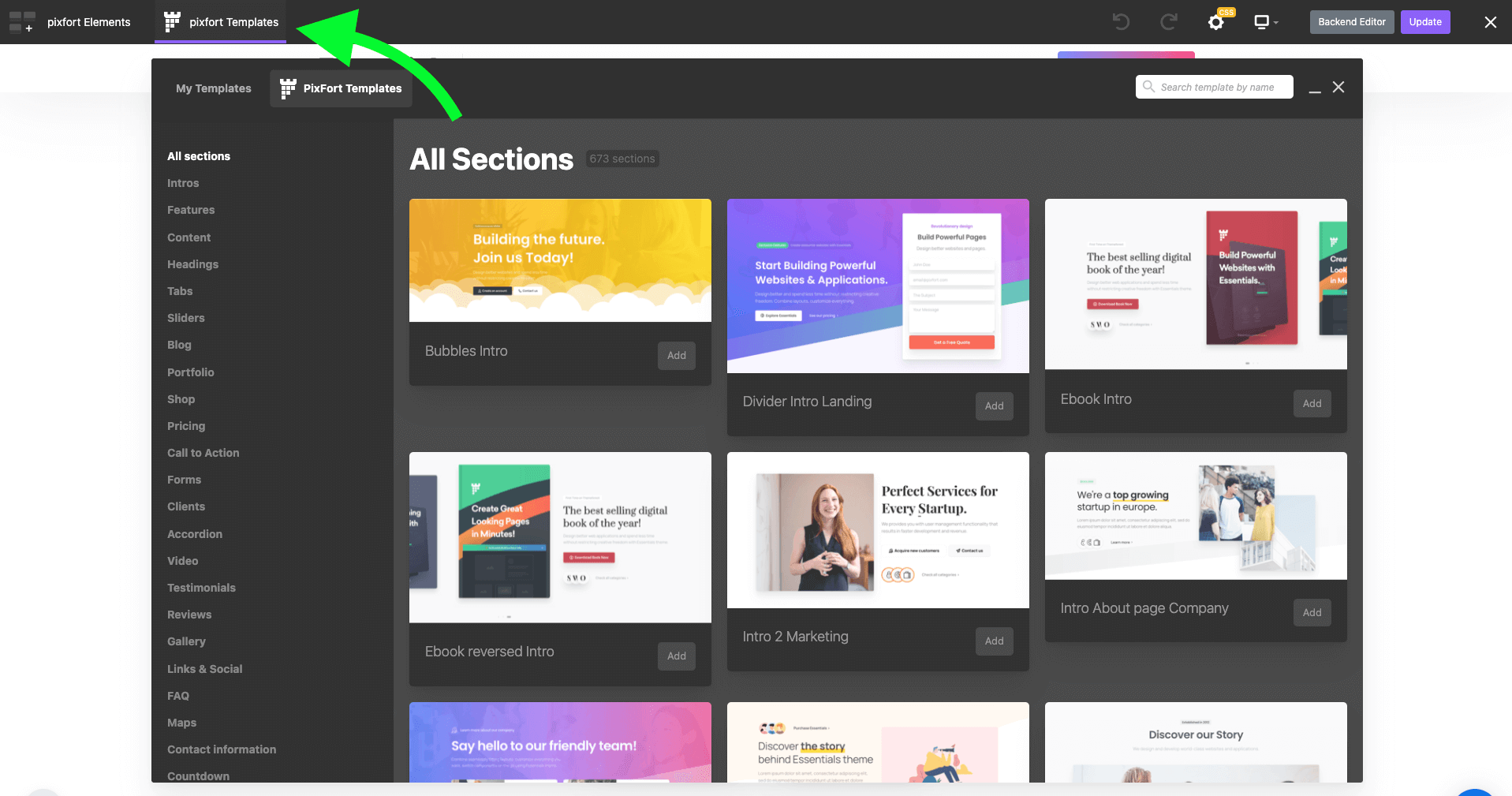
pixfort Templates in WPBakery Frontend Editor
In WPBakery Backend Editor: you can find pixfort Templates as following:
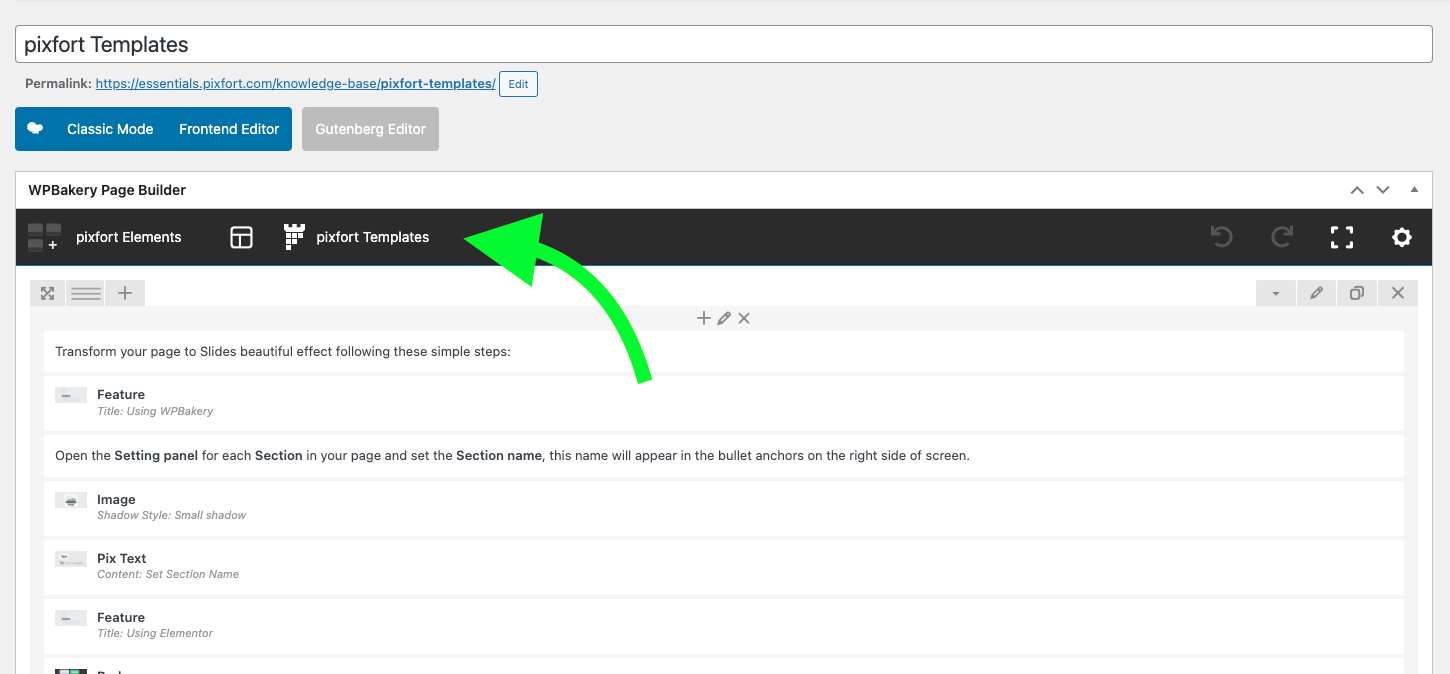
pixfort Templates in WPBakery Backend Editor

Using Elementor
To open pixfort Templates in Elementor page builder, open the Templates Library as following:
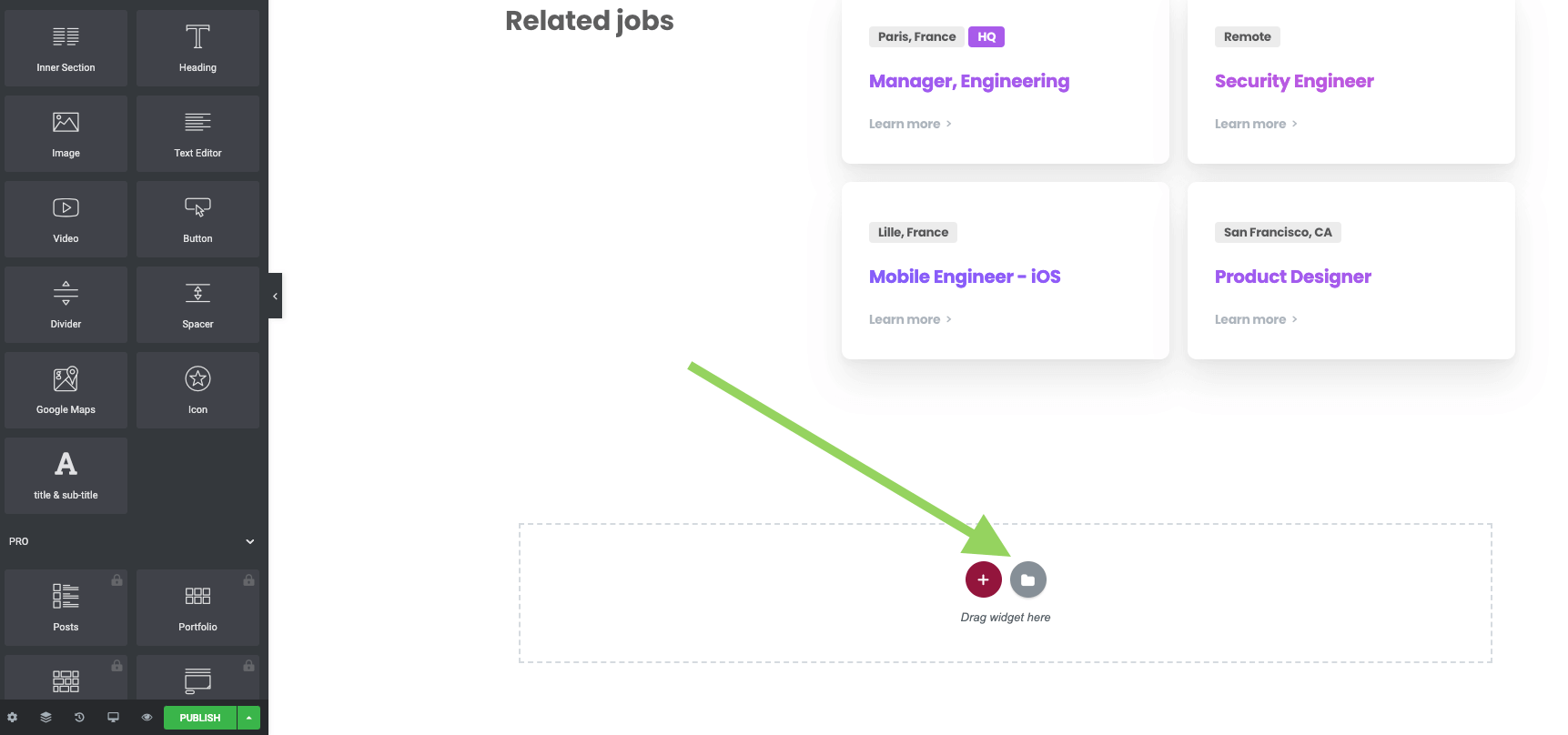
Templates Library in Elementor
Then from the Blocks and Pages tabs you can find all pixfort Templates:
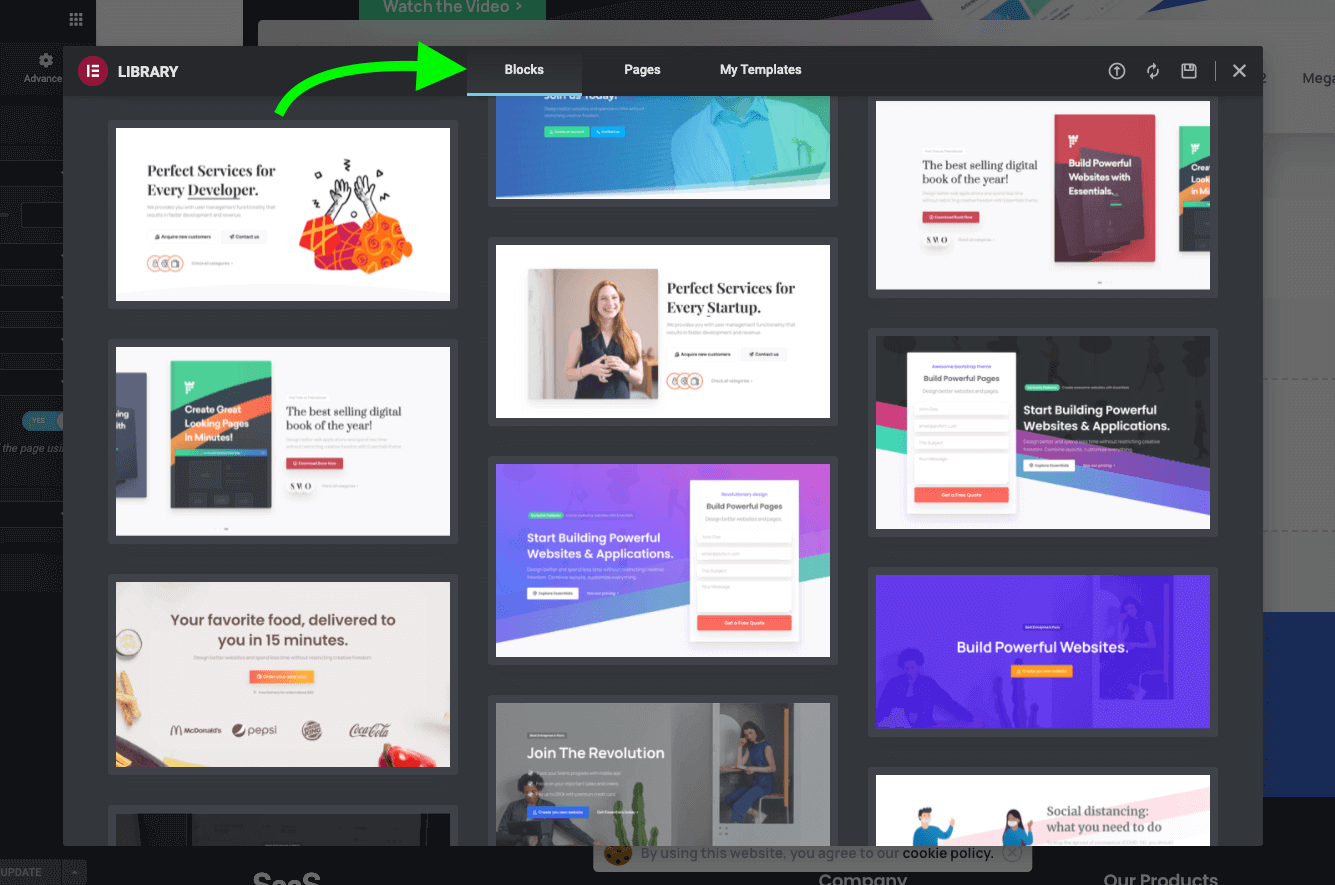
pixfort Templates in Elementor
- Note: When inserting a template from the Library for the first time, Elementor will ask you to connect to Elementor Template library since the demo content is added via the default Elementor Blocks library which requires connecting a free Elementor account to Elementor plugin.
A connection is required to enable Elementor plugin to add smart features to the library in the future including personalization features such as ‘favorites’, ‘recently used’, …, etc.Please note that this is a default behavior in Elementor plugin and it’s not related to the used theme, therefore you can create a free account with Elementor plugin and connect it inside Elementor Blocks library, for more information about connecting an account in Elementor plugin we recommend you to check this article from Elementor plugin website:
https://elementor.com/help/connect-library/