

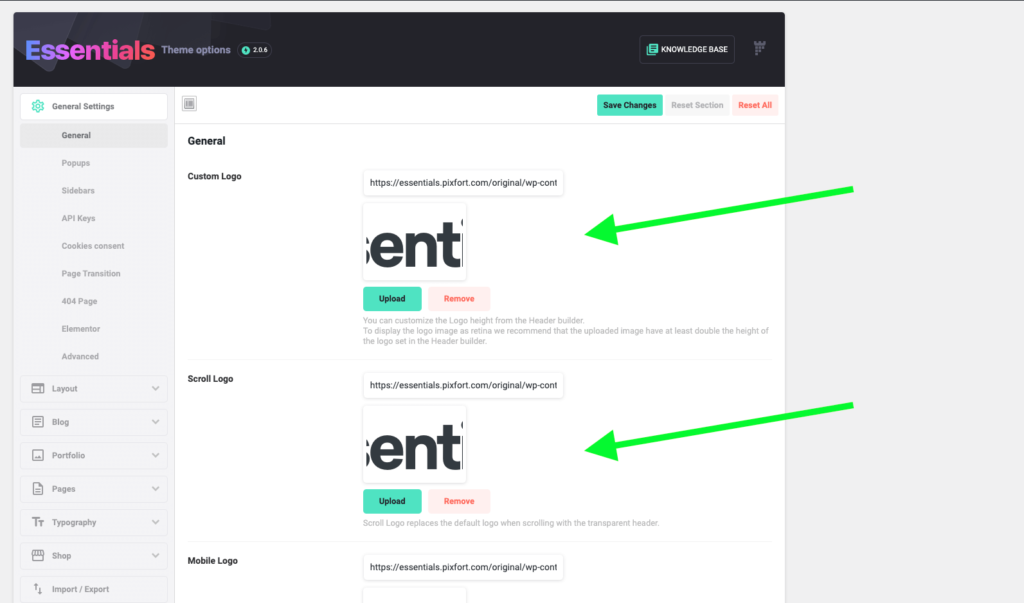
You can add a logo for your whole website from Theme options > General Settings > General:
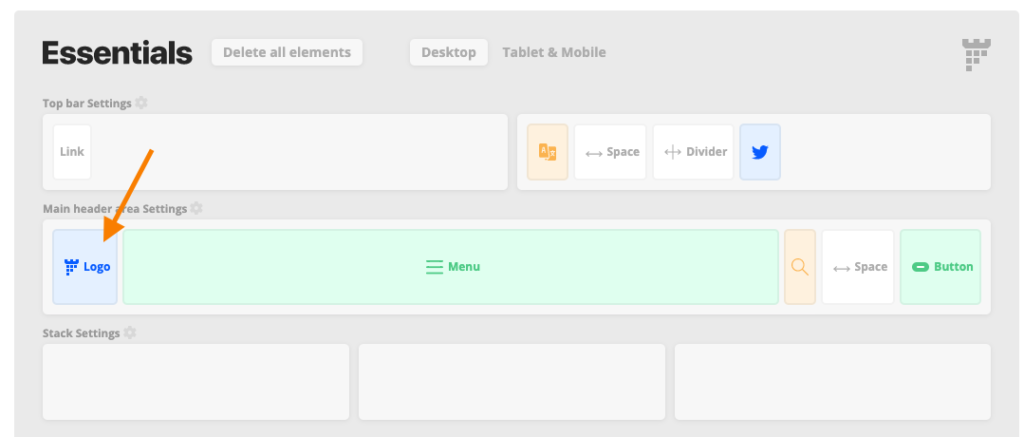
Or you can set a logo for a specific header from the header builder (WordPress Admin Panel > Headers > Edit your desired header), by clicking on the logo element and then you can choose or change the logo image and the scroll logo image:
Note: If you want to display the Logo as Text (The WordPress site title) you just need to remove the Logo image from the Theme options.
